Home What's On Pricing Devices Setup Guide Blog FAQ Contact View Plans

Need a hand? Message us on WhatsApp or email support@seeyourflix.com.

Home/Supported Devices

Compatibility

Watch on the devices you already own.

No proprietary box, no hardware to buy, no engineer visit. If it has a screen, an app store and an internet connection, it almost certainly works.

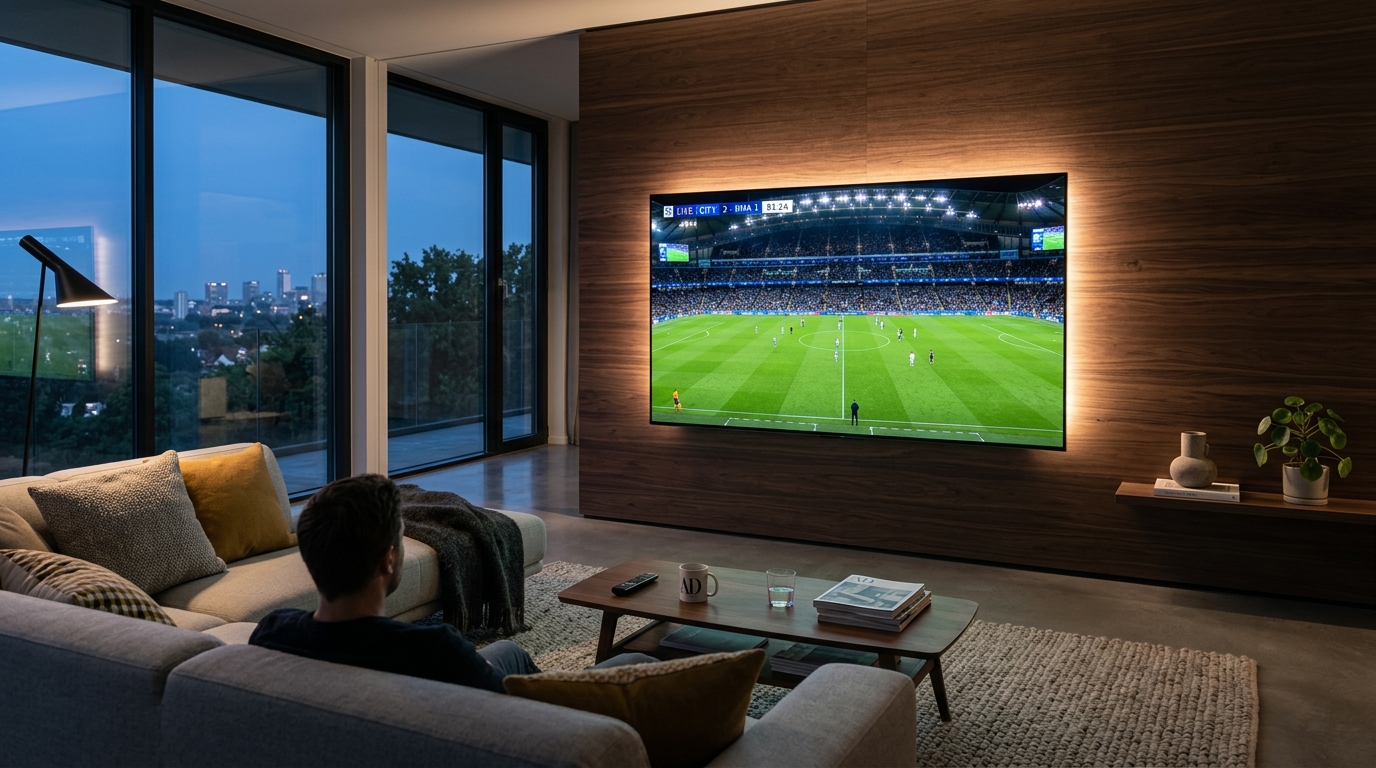
Television showing the YourFlix interface
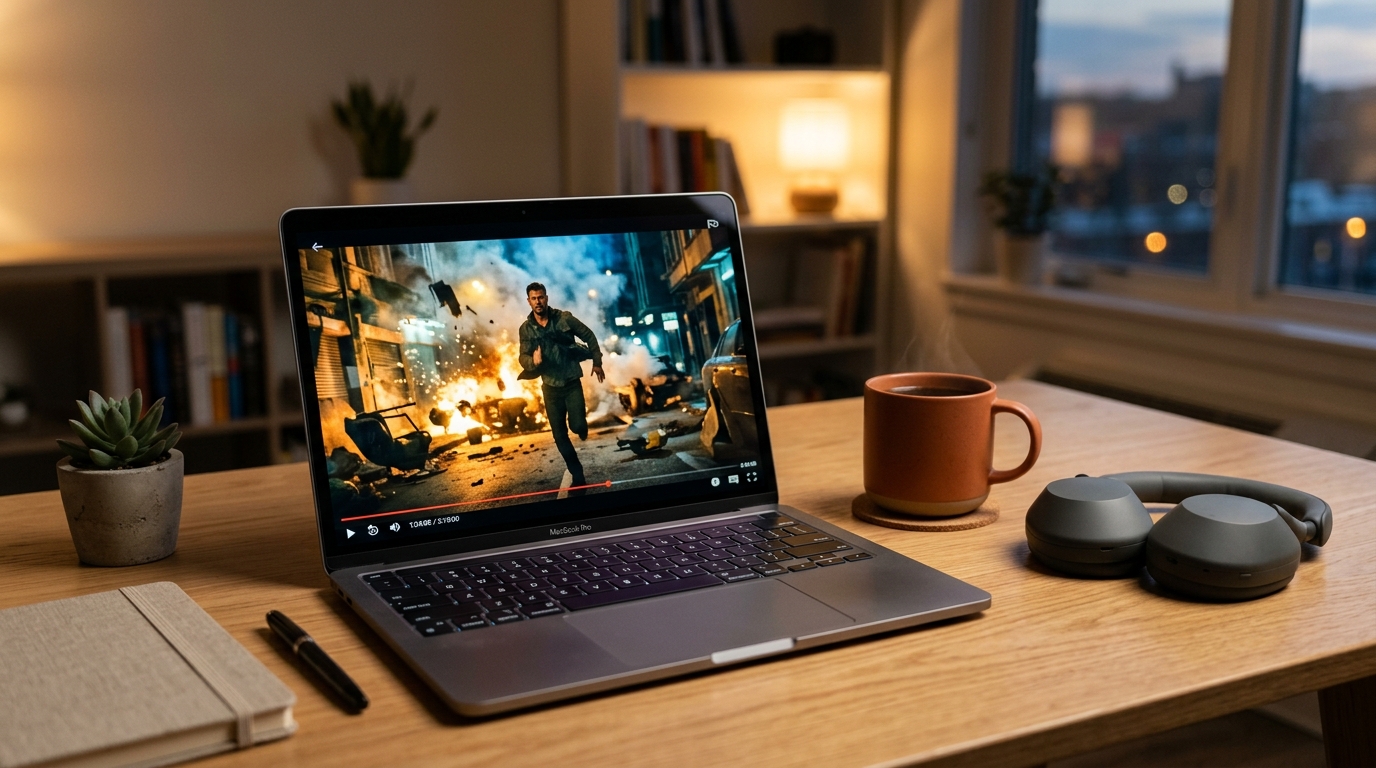
Laptop showing the YourFlix interface
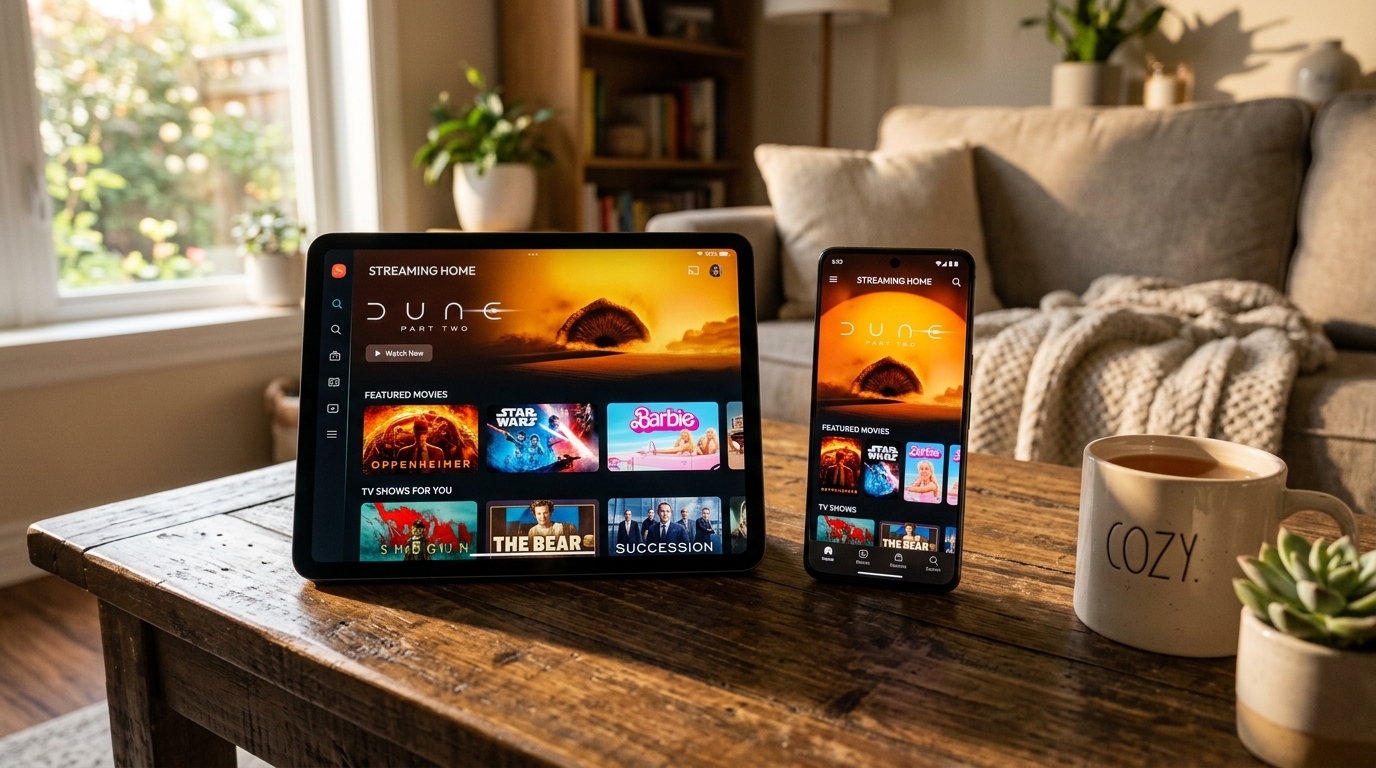
Tablet and phone showing the YourFlix interface
Supported platforms

Ten places to watch

Install on as many as you like. Your plan sets how many can play at the same time, not how many you own.

Smart TV

Install a supported player from your TV’s own app store, sign in once and the library opens on the big screen. No box, no cables, no changes to your aerial.

Compatibility: Samsung Tizen, LG webOS and most Android-based TVs from roughly 2018 onwards.

Setup instructions

Android TV / Google TV

The most flexible option — the Play Store carries every player we support, and updates arrive automatically.

Compatibility: Android TV 7.0 and above, including Chromecast with Google TV, Nvidia Shield and most 2019+ sets.

Setup instructions

Android Phone & Tablet

Handy for watching away from home and for testing your login before you set up the TV. Works on mobile data as well as Wi-Fi.

Compatibility: Android 7.0 and above.

Setup instructions

Amazon Fire TV & Fire Stick

The cheapest way to turn an older television into a smart one. Setup takes a few minutes and the remote is already in the room.

Compatibility: All Fire TV Stick generations, Fire TV Cube and Fire Edition televisions.

Setup instructions

Apple TV

Install a supported player from the App Store and sign in. Fits neatly alongside the other apps already on the device.

Compatibility: Apple TV HD and Apple TV 4K, tvOS 15 and above.

Setup instructions

iPhone & iPad

Watch on the move, or use AirPlay to send the picture to a nearby television.

Compatibility: iOS and iPadOS 15 and above.

Setup instructions

Windows

A desktop player or any modern browser-based option. Useful for a second screen in a home office.

Compatibility: Windows 10 and 11.

Setup instructions

Mac

Same as Windows — a desktop player, or AirPlay across to an Apple TV in another room.

Compatibility: macOS 11 Big Sur and above, Intel and Apple Silicon.

Setup instructions

Streaming boxes

If you already own a box, tell support the model and we will confirm whether it is supported before you order.

Compatibility: Most Android-based set-top boxes, plus MAG and similar dedicated devices.

Setup instructions

Other platforms

New devices appear constantly. Message support with the make and model and we will tell you honestly whether it will work.

Compatibility: Anything not listed above.

Setup instructions

Before you order. Operating system versions move on and manufacturers withdraw support for older models. If your device is more than a few years old, or is not named above, ask support to confirm before subscribing rather than after. Device images on this page are placeholders pending final assets.

Good to know

How multi-device works

Install everywhere

There is no limit on how many devices you set up. The TV, the kitchen tablet, two phones and a laptop can all carry the app.

Streams are what counts

A 2-device plan means two things playing at the same moment. Nobody has to log out — they just cannot both press play at once.

Change devices freely

Replaced the television? Sign in on the new one. There is nothing to transfer and no need to tell us.

Add screens later

Outgrown your plan? Contact support and you will be quoted the difference for the rest of your term.

Ask about upgrading
Ready when you are

Your device is almost certainly supported

Not sure about yours? Send us the make and model and we will give you a straight answer before you pay.

Need Help? Chat on WhatsApp