
Your activation email
It contains your login details and names the player to install. If you cannot find it, check spam, then ask support to resend it.
Home/Setup Guide
Pick your device below and follow the instructions written for it. Most people are watching within about ten minutes — and if you are not, support will finish the job for you at no cost.
It contains your login details and names the player to install. If you cannot find it, check spam, then ask support to resend it.
Around 15 Mbps is comfortable for HD and 25 Mbps or more for 4K. Wired or 5GHz Wi-Fi beats 2.4GHz every time.
Installing the app takes two minutes. The first channel-list download takes most of the rest — it only happens once.
Open the one that matches what you are setting up. Each guide covers installation, sign-in and the problems that come up most often.
Press Home, open the player, and pick a category. Live TV, films and series each have their own section.
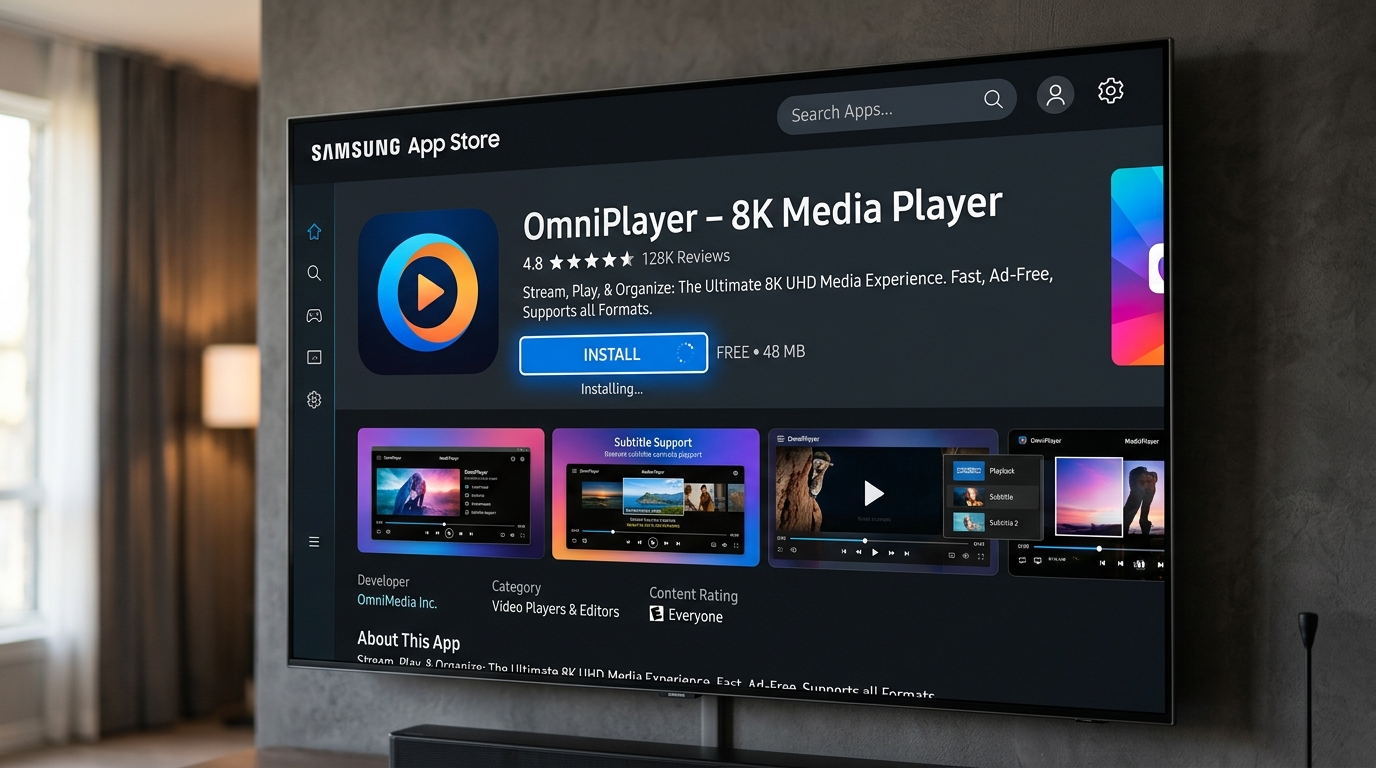
The player appears on your home row alongside your other apps. Open it and browse by category.
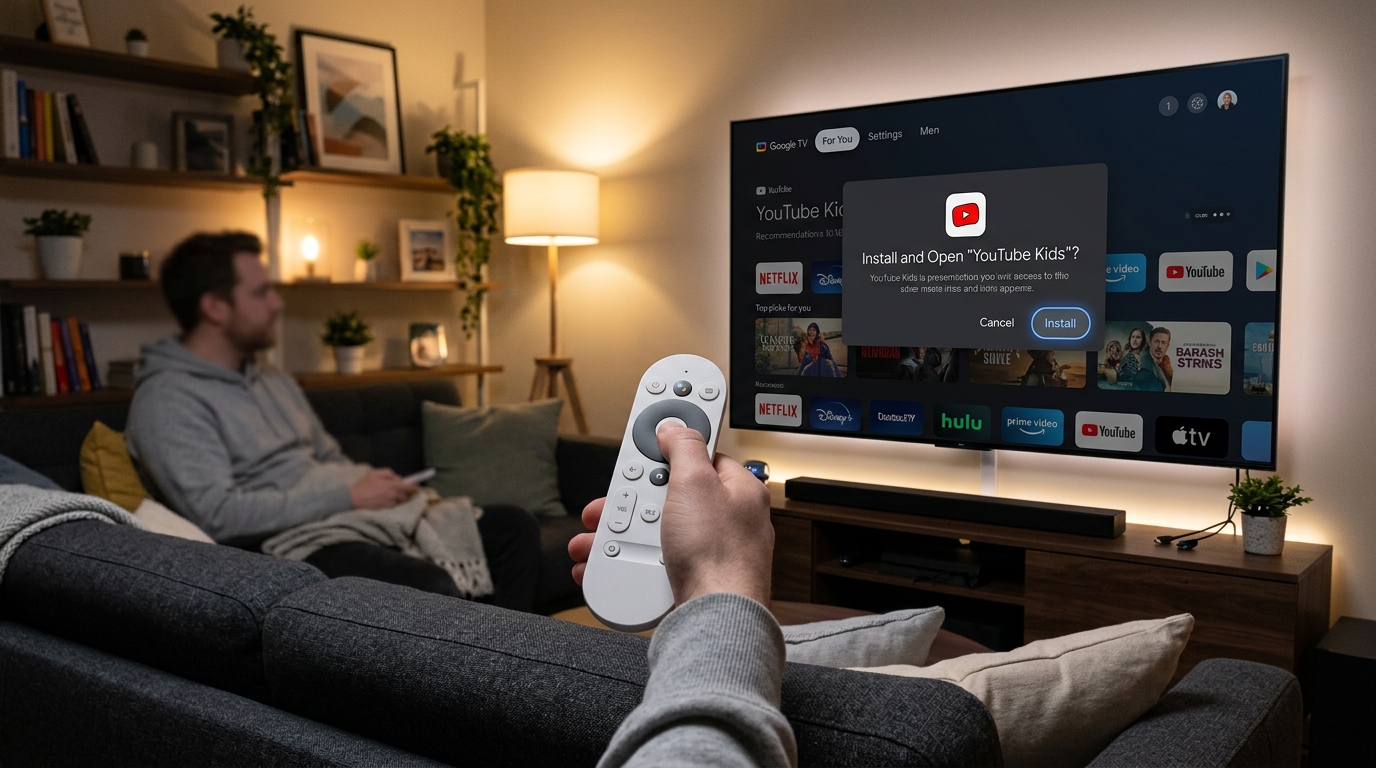
Hold the Home button and add the player to your favourites so it sits at the front of the row.
The player behaves like any other tvOS app — it appears on the home screen and supports the Siri Remote.
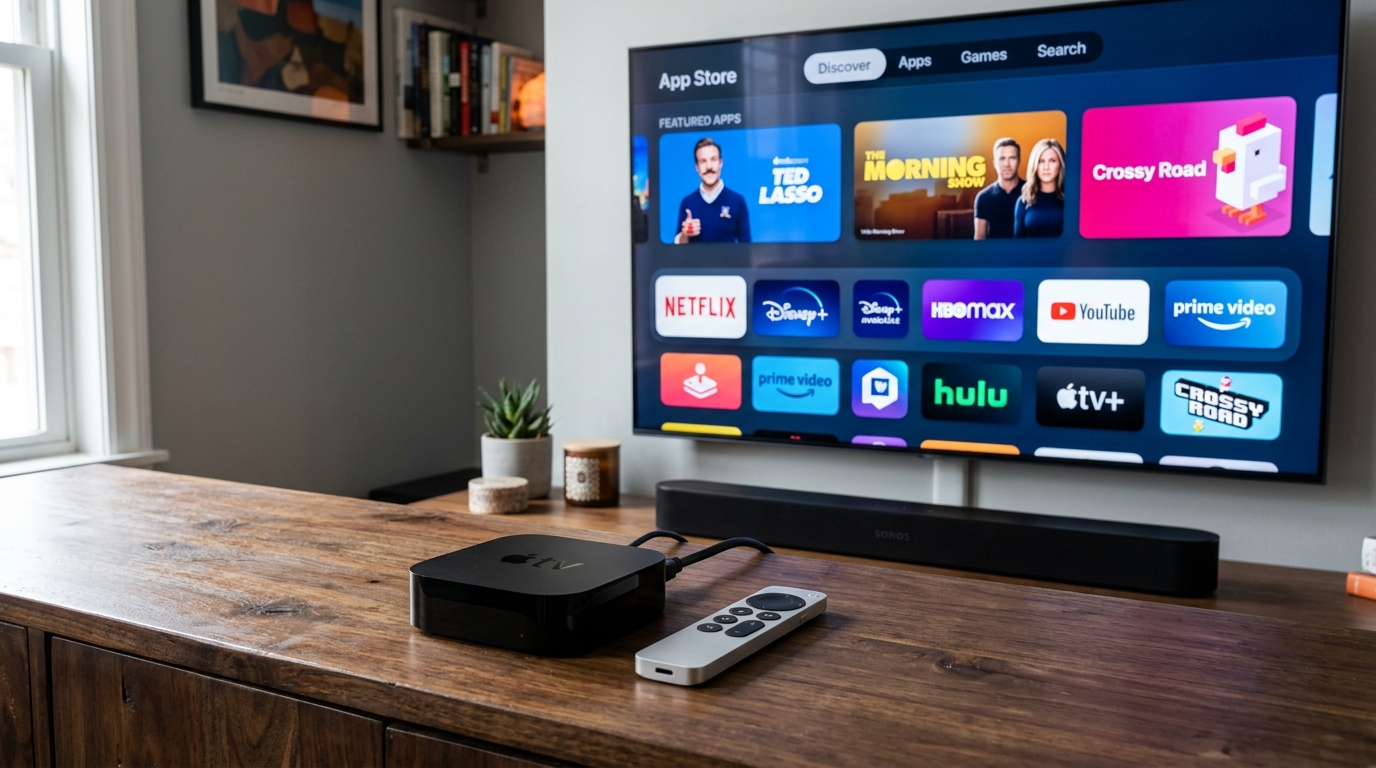
Tap a category to browse. To watch on a television, use AirPlay from the player’s playback controls.
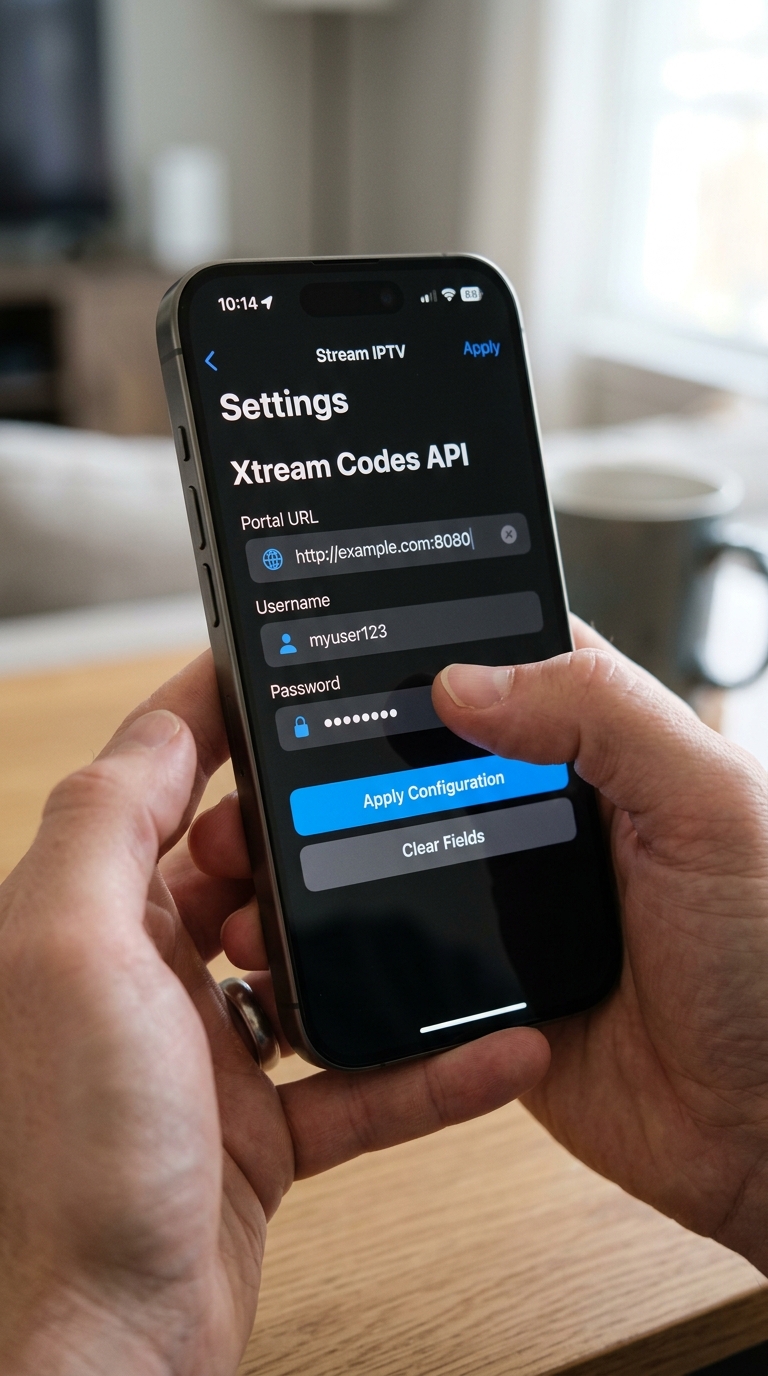
Browse by category, or cast to a nearby television using the cast button in the player.
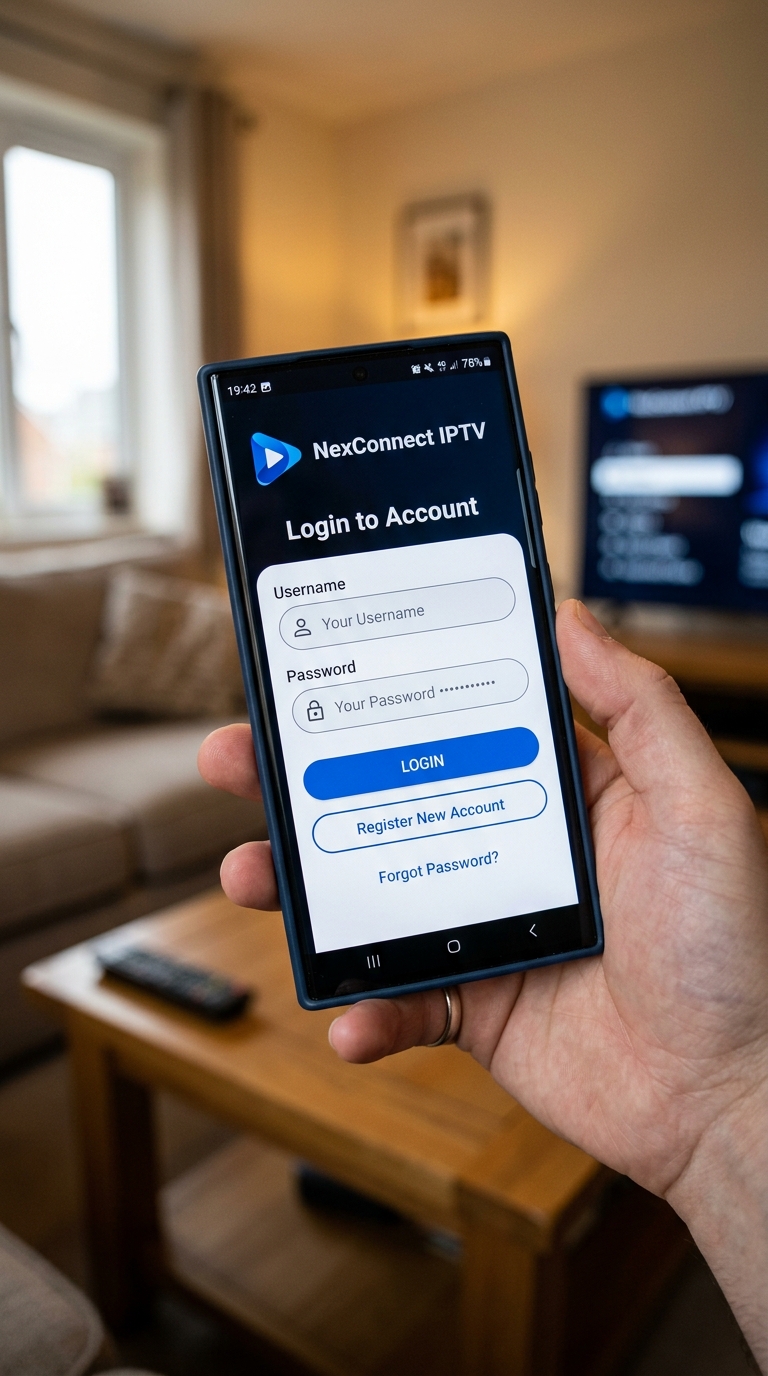
Full screen with F11 in a browser, or the player’s own full-screen control. A wired connection gives the steadiest picture.
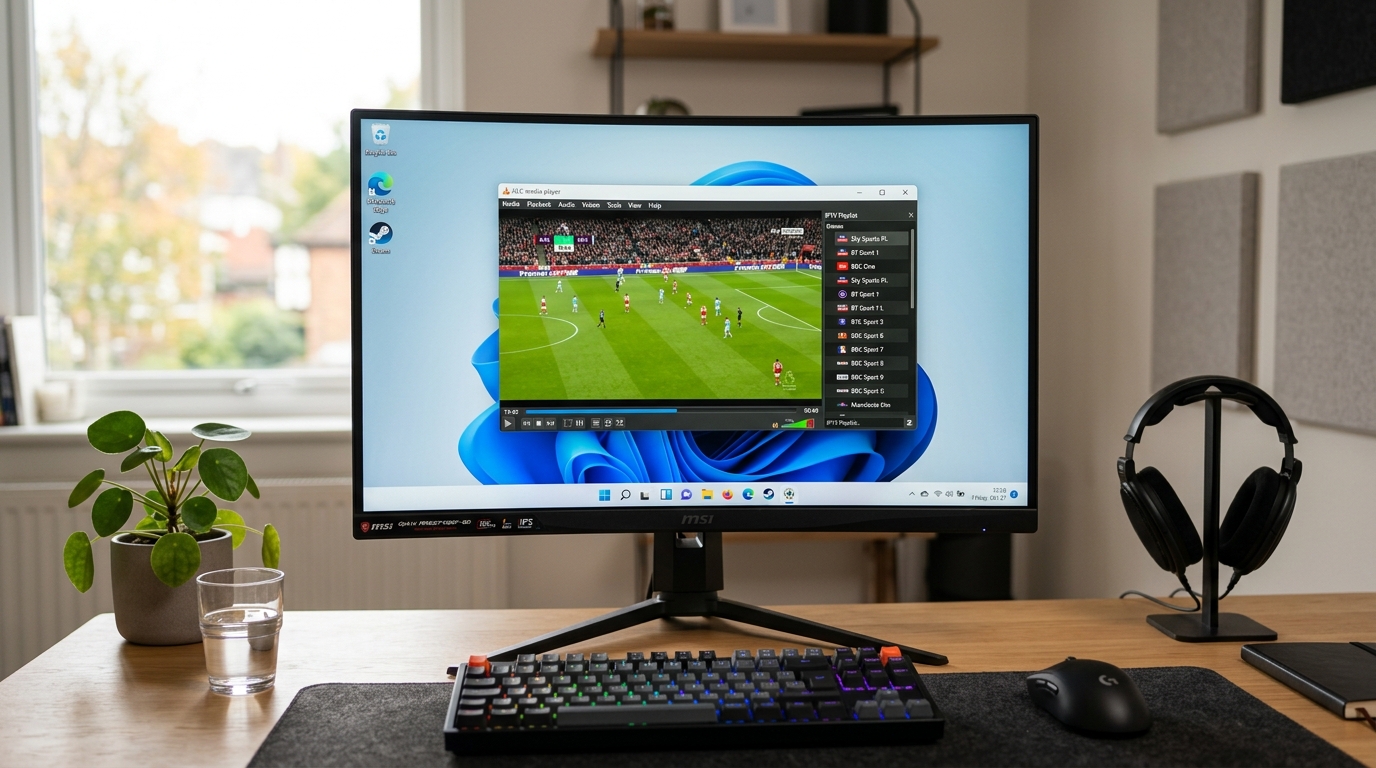
Watch in a window or full screen, or AirPlay across to an Apple TV in another room.
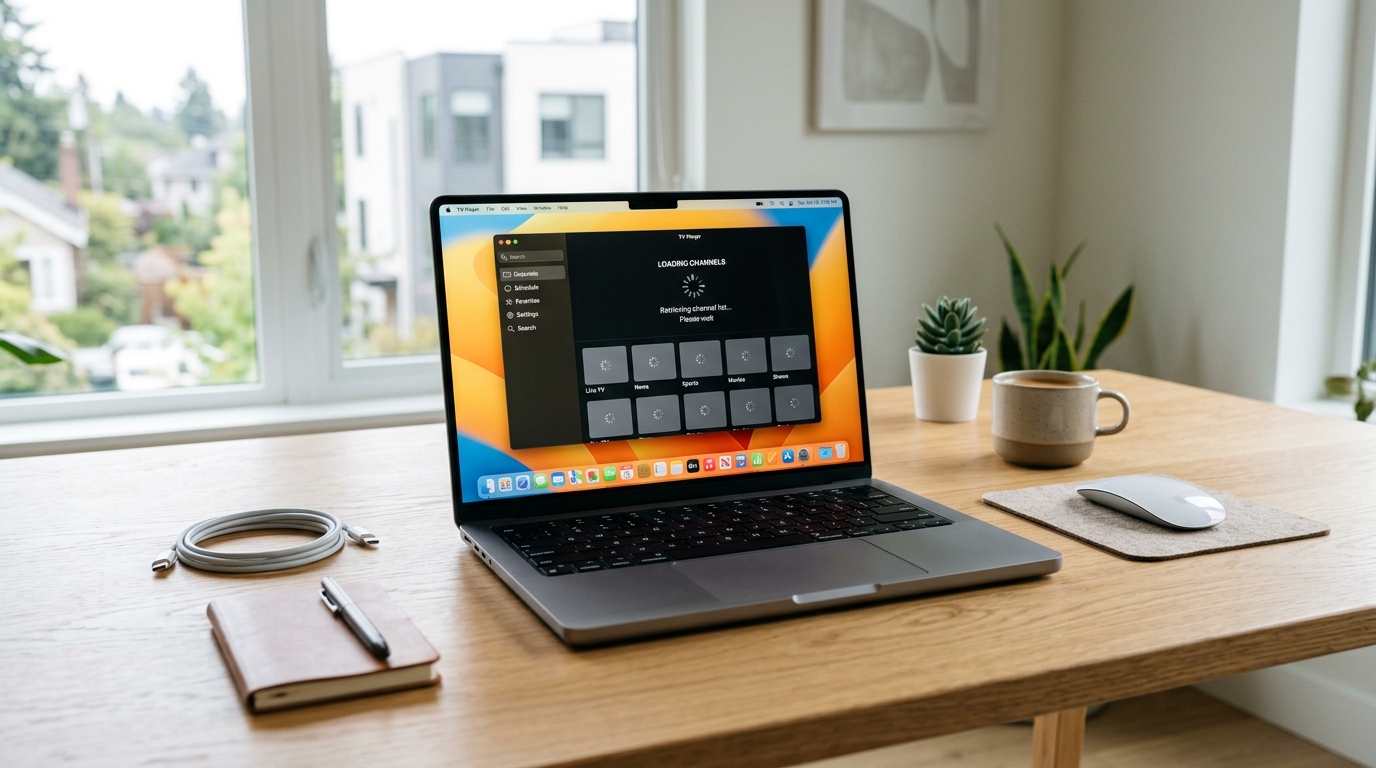
The box boots straight into the service, so the TV remote is all anyone in the house needs.
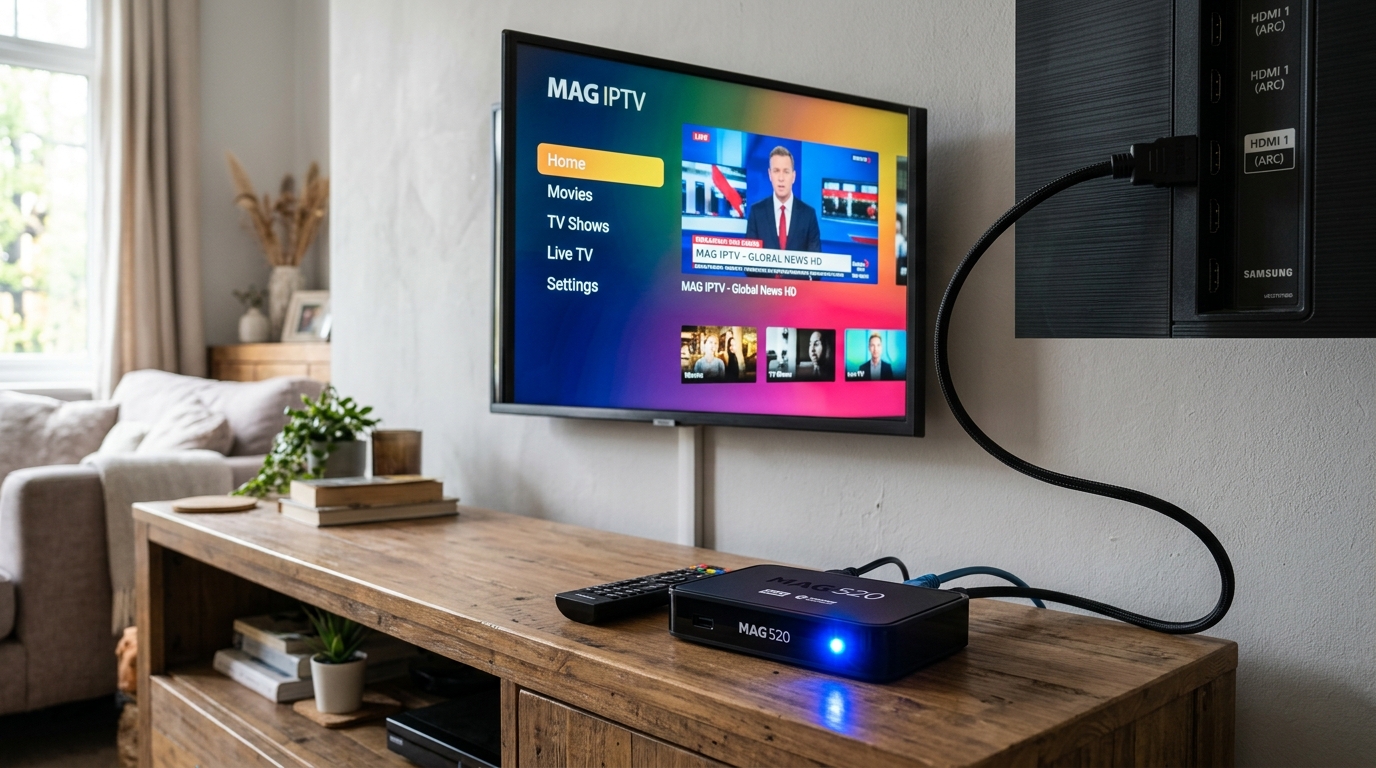
Once the player is installed and signed in, everything works the same way it does everywhere else.
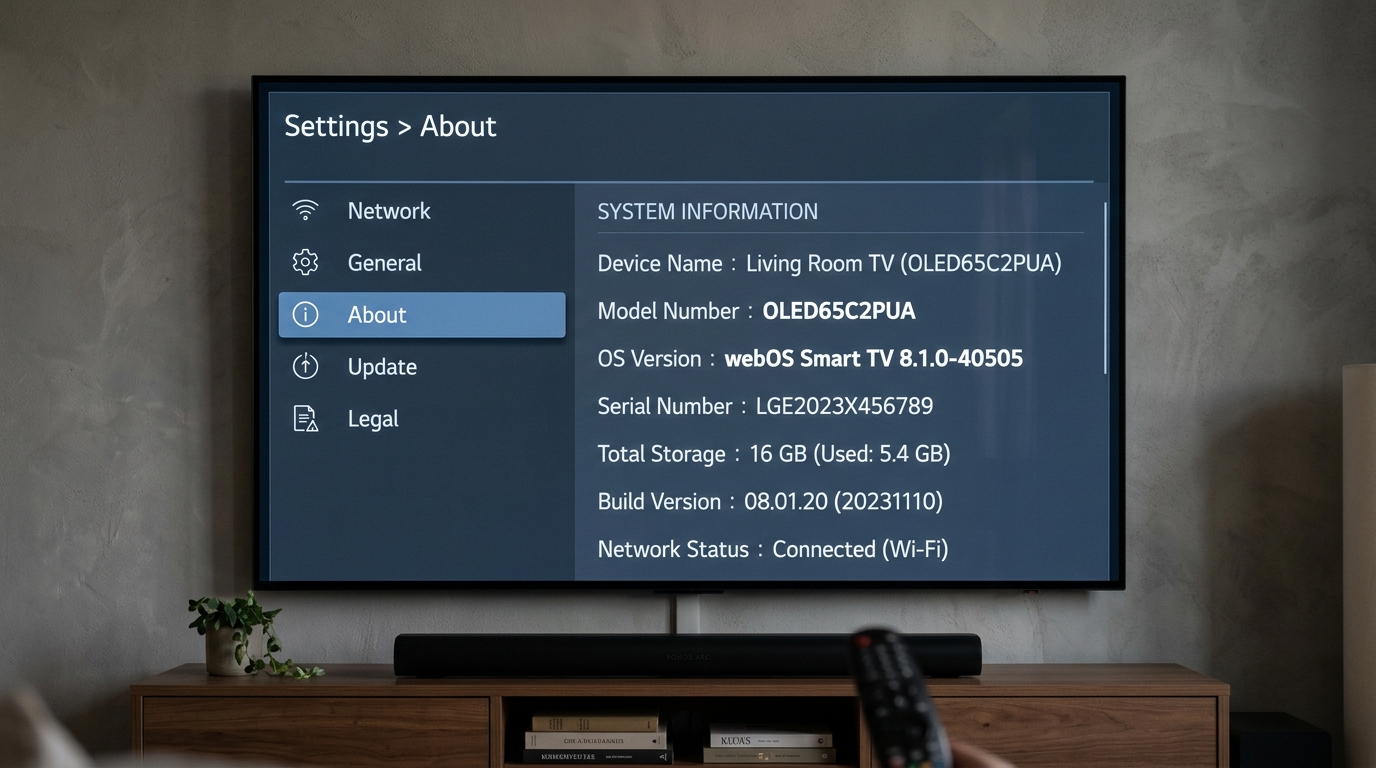
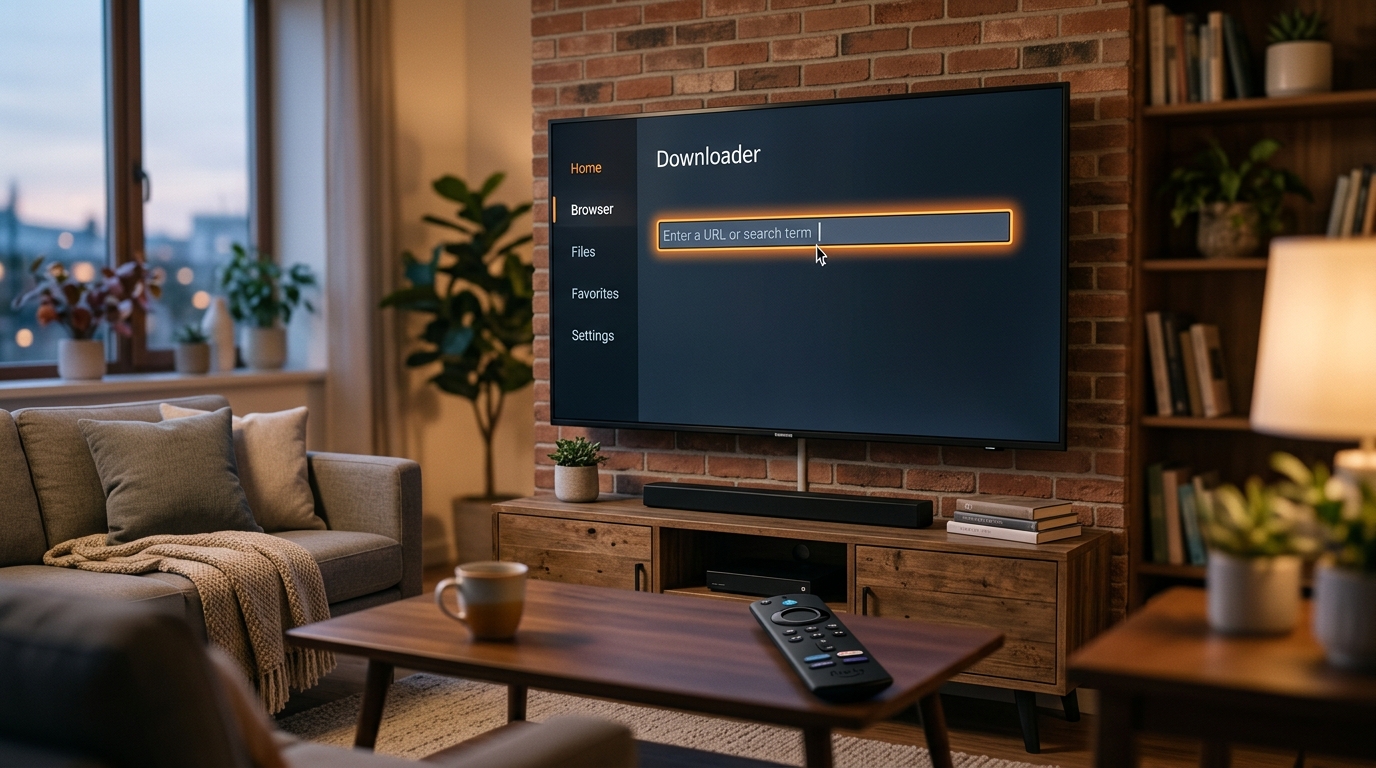
Screenshots on this page are placeholders. Capture the real screens on your own devices during setup and drop them in — a picture of the actual menu saves support a great many messages.
Setup help is free and unlimited for as long as you subscribe. Send us a photo of the screen and we will take it from there.