Most streaming complaints are not a bandwidth problem. They are a distance problem, an interference problem, or a device on the wrong network.
Move the router before you upgrade it
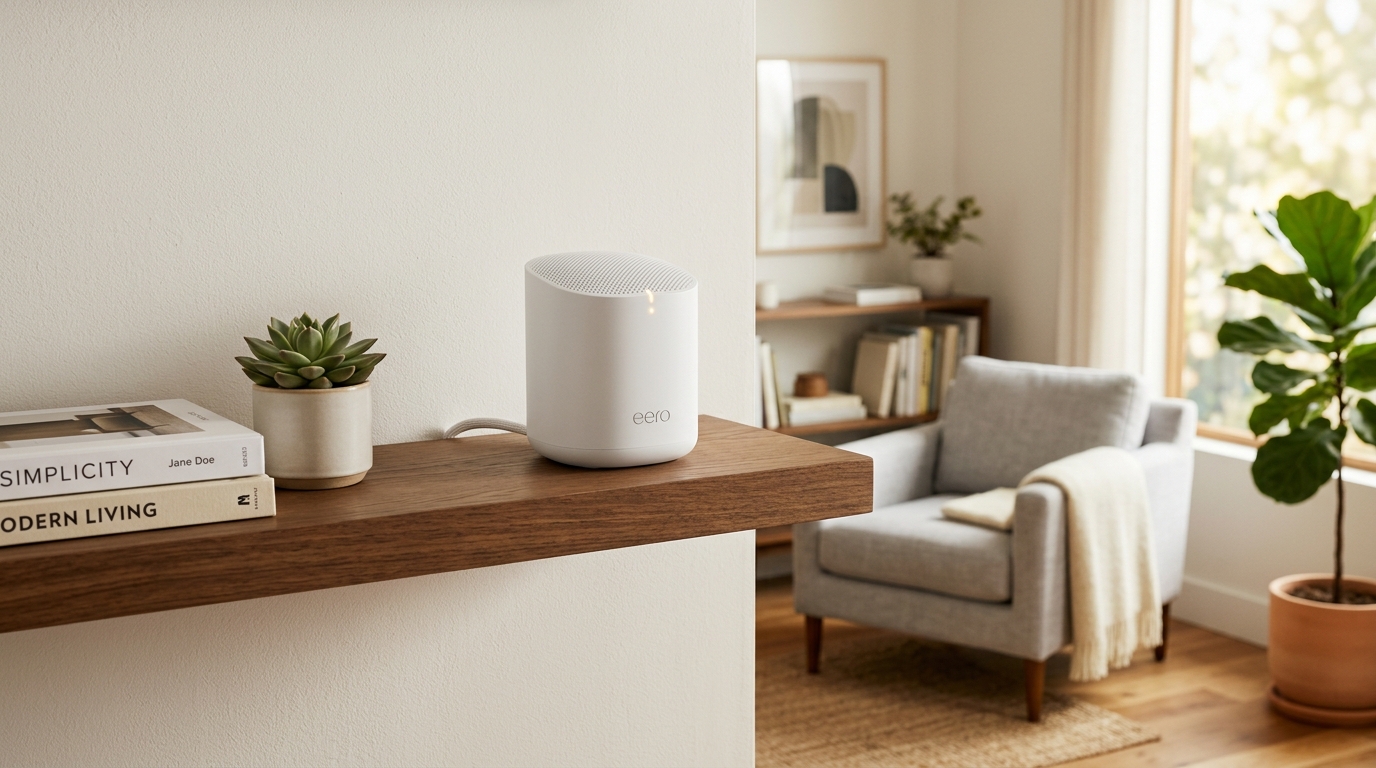
Routers get put where the phone socket is, which is often a hallway, a cupboard, or behind a television. Wi-Fi radiates outwards and is absorbed by walls, water and metal. A router in the open, off the floor, roughly central to the house, will outperform a faster one in a cupboard.
Put streaming devices on 5GHz
If your router shows two network names, the one ending in -5G is the faster one. Phones tend to pick sensibly on their own; televisions and sticks frequently do not, and will happily sit on the slower band for years.
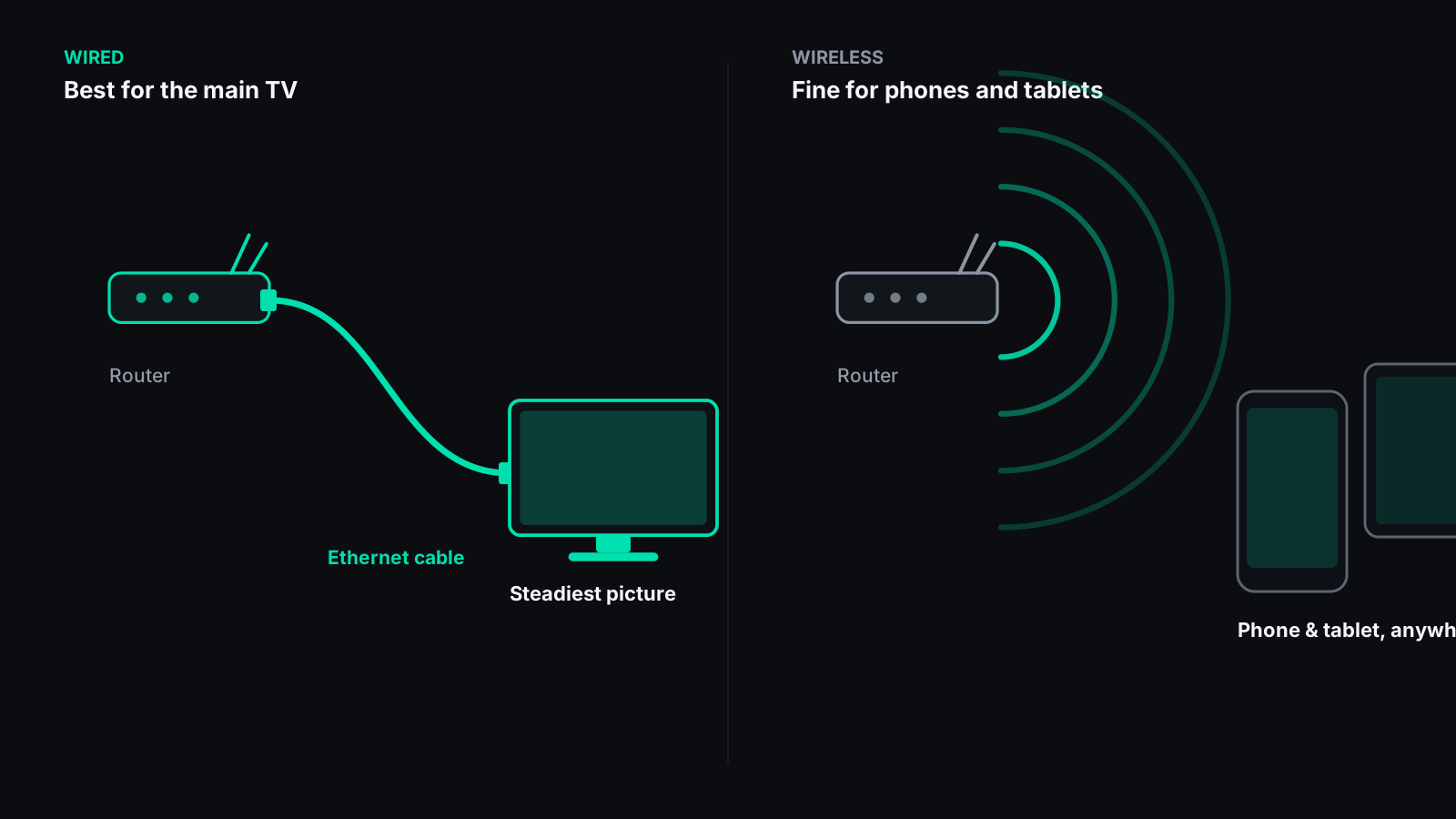
Wire the one device that matters
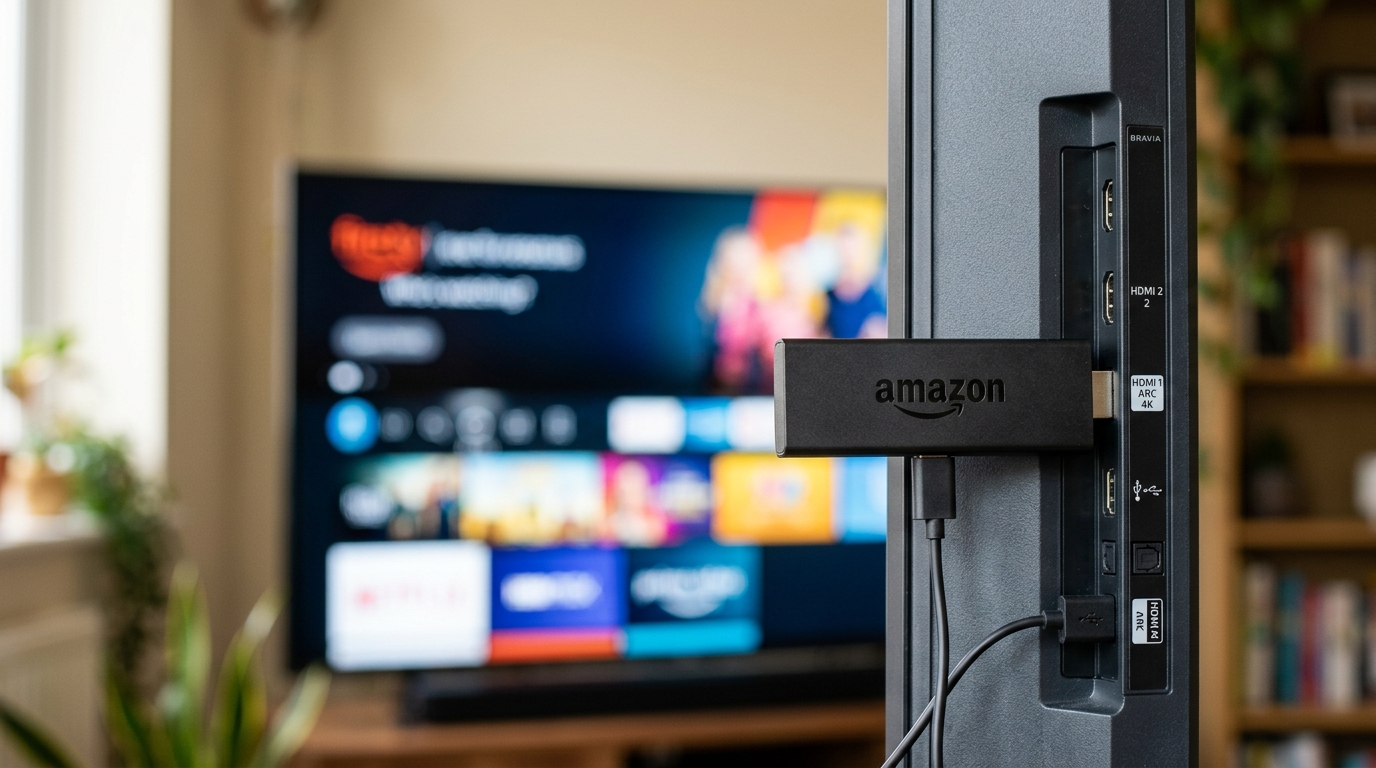
The television is usually the device that must not stutter, and it is usually the device that never moves. That makes it the ideal candidate for a cable. Most sticks accept an ethernet adapter for a few pounds, and it removes an entire category of problem permanently.
Find out what else is using the connection
A games console downloading an update in another room will flatten a stream instantly. So will a cloud backup that runs on a schedule. If the buffering has a pattern — always at the same time of day, always on a Sunday evening — something else is competing for the line.
When more speed genuinely is the answer
- Several people streaming in HD or 4K at the same time
- A connection under about 25 Mbps with more than one heavy user
- Speed tests that come back far below what you pay for, consistently, on a wired connection
That last one is worth taking up with your provider rather than working around. A wired speed test well below the advertised rate is their problem to explain.