
People ask what they are actually buying. Here is the whole process with nothing left out.
You are buying access, not hardware
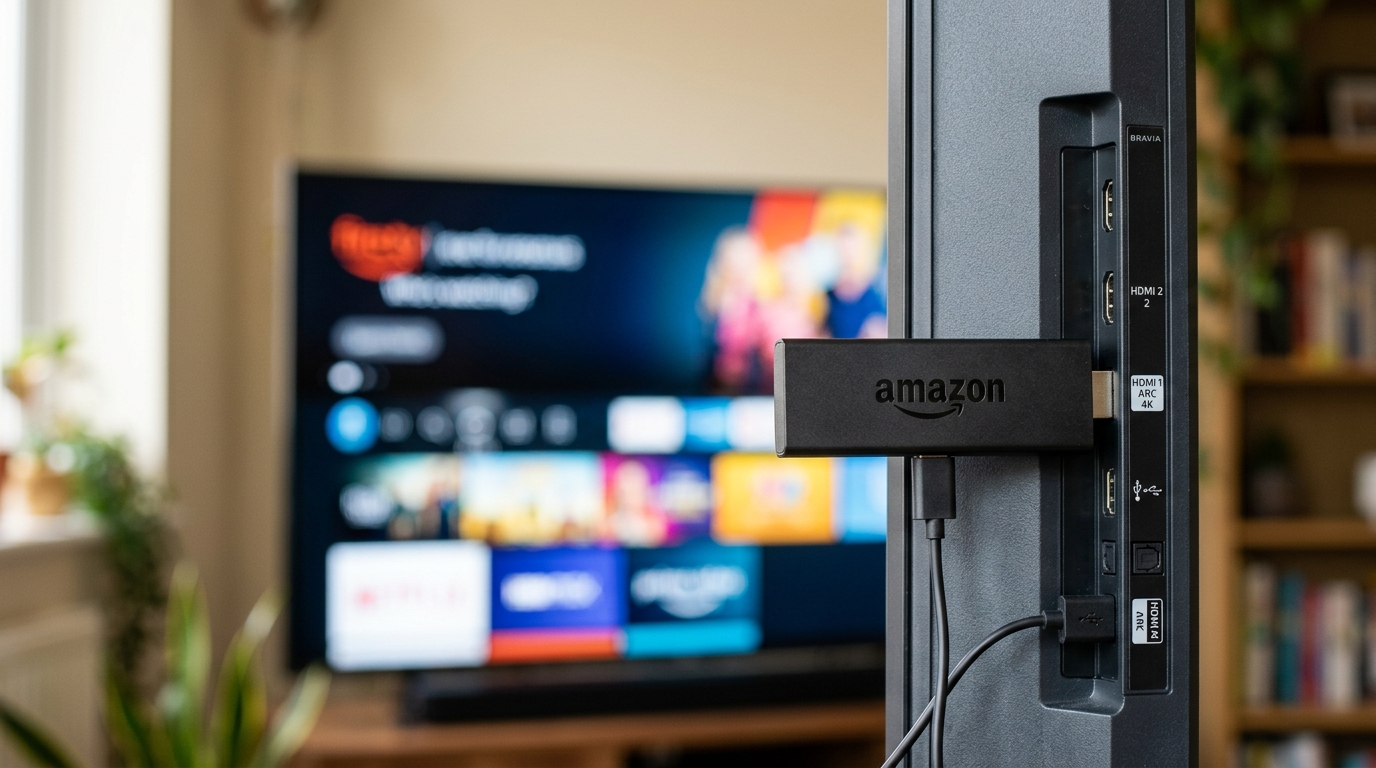
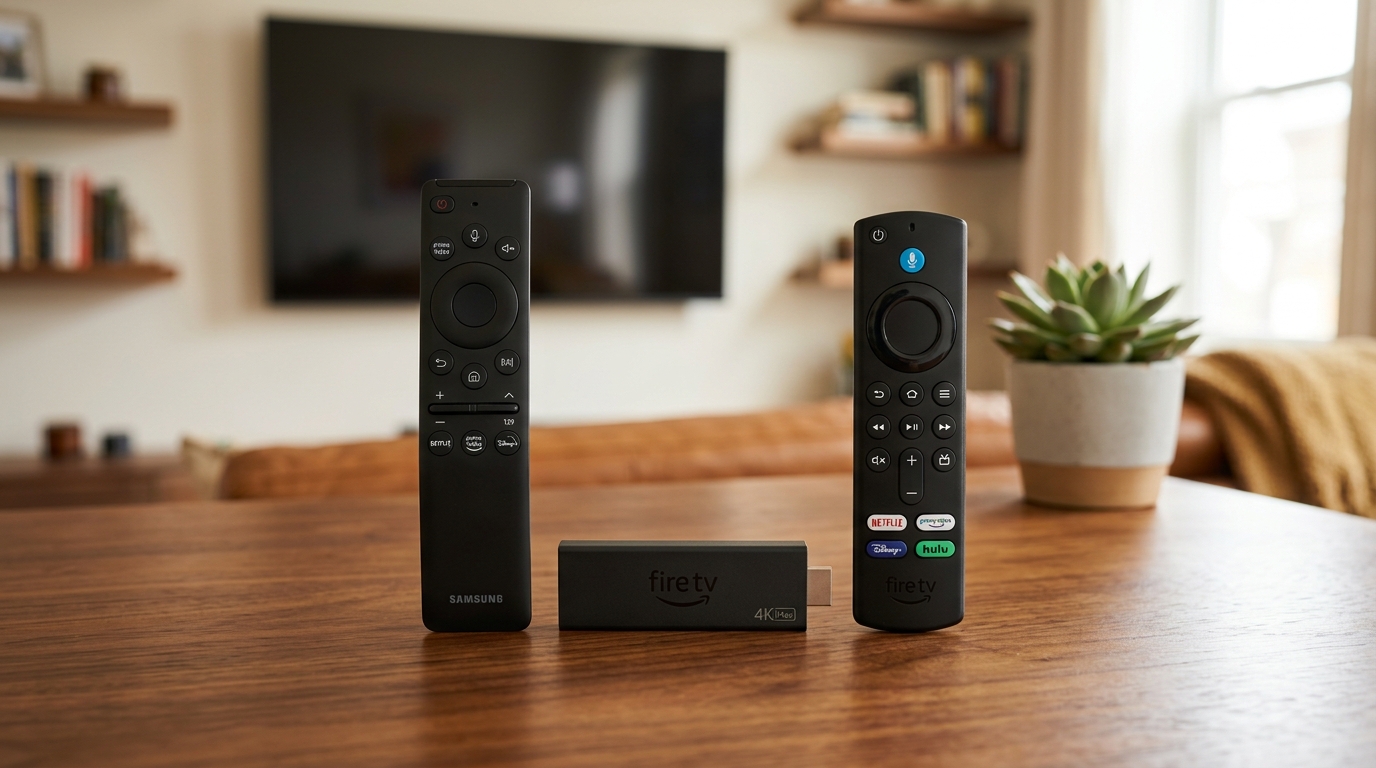
There is no box in this. You buy a subscription; we send you a set of login details. Those details go into a standard player app that you install from your own device’s app store — see our supported devices hub for hardware compatibility. Nothing is installed on your router and nothing arrives in the post.
That is why the service works on a television you already own, and why replacing that television costs you nothing but the two minutes it takes to sign in again.
Step one: the order
You choose two things — how long you want the subscription for, and how many screens should be able to play at the same time. Check our YourFlix subscription passes to compare options. Those are the only variables. The library is identical on every plan.

Step two: the activation email
After payment you get two emails. The first is an order confirmation with a reference number — keep it, because quoting it makes any later support conversation much faster. The second contains your login details, the name of the player to install, and a setup guide written for the device you told us about.
If the second email has not arrived, check spam before anything else. If it is genuinely missing, message support with your reference and we will resend it.
Step three: installation
Install the named player, open it, and enter the details exactly as they appear. They are case sensitive, and a trailing space copied from an email is the single most common reason a login is rejected. Type them by hand if pasting fails.
The first time the app opens it downloads the channel list. This takes a minute or so and only happens once. A blank screen during that first minute is normal; a blank screen after five minutes is not.
How long it really takes
- Installing the app: two minutes on most devices
- Entering your details: one minute, less if you type carefully
- First channel-list download: up to a minute
- Total: about ten minutes including the fumbling around
What happens if it does not work
Setup help is free and unlimited for as long as you subscribe. Explore our step-by-step setup guide or send support a photo of whatever the screen is showing — it tells us far more than a description does, and usually turns a long exchange into one reply.