If your television already runs apps, why add a stick? Sometimes you should not. Often you should.
The case for using the TV itself
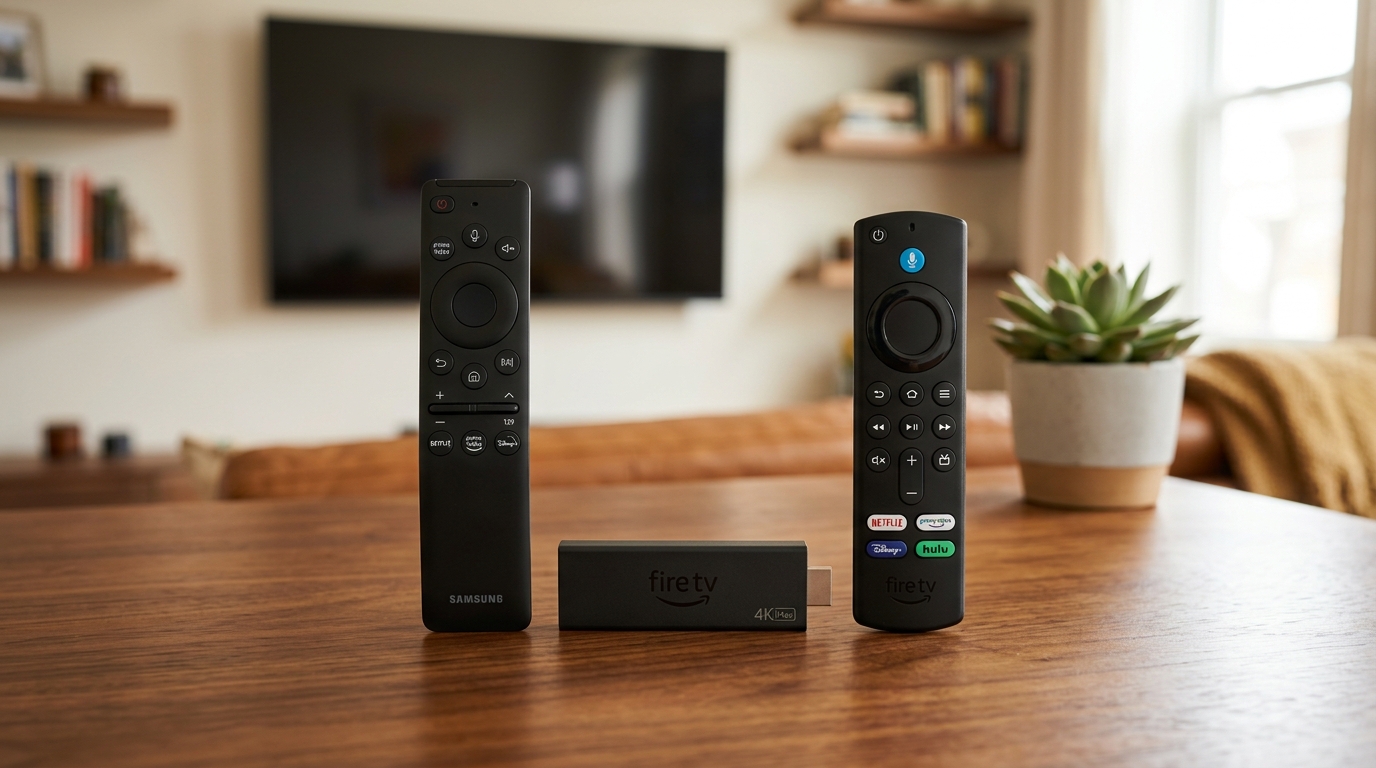
One remote, one input, nothing extra to power. For a recent Samsung, LG or Android television, the built-in app store usually carries what you need and performance is fine. If that describes your set, start there and do not spend money you do not have to.
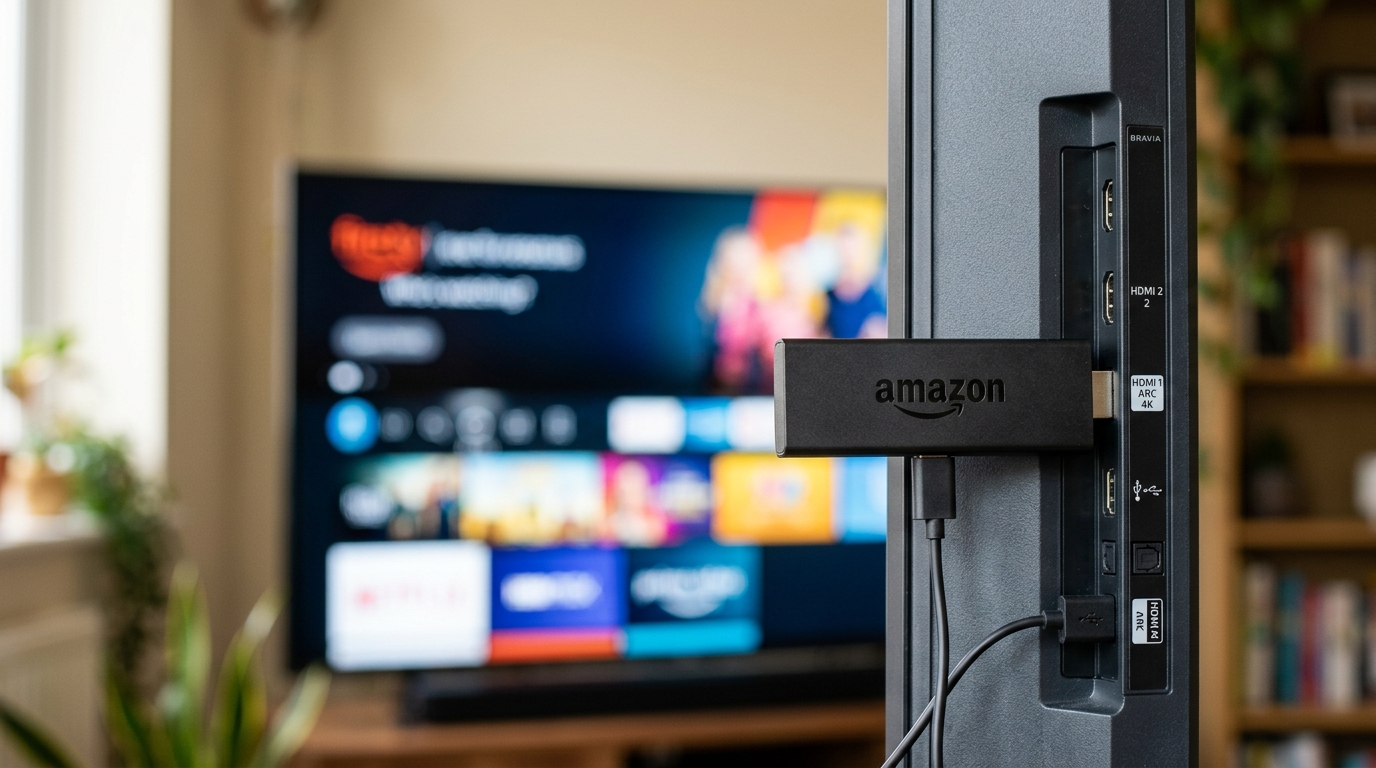
The case for a stick
Televisions are supported by their manufacturers for a few years and then quietly stop receiving app updates. A set from 2017 may still show a perfect picture while being unable to install anything new. A stick sidesteps that entirely, and costs less than a single month of most cable packages — compare that to our affordable YourFlix pricing passes.
- Your TV is more than about five years old
- The app you need is not in your TV’s store
- The TV’s own interface is slow to the point of irritation
- You want the same setup in more than one room
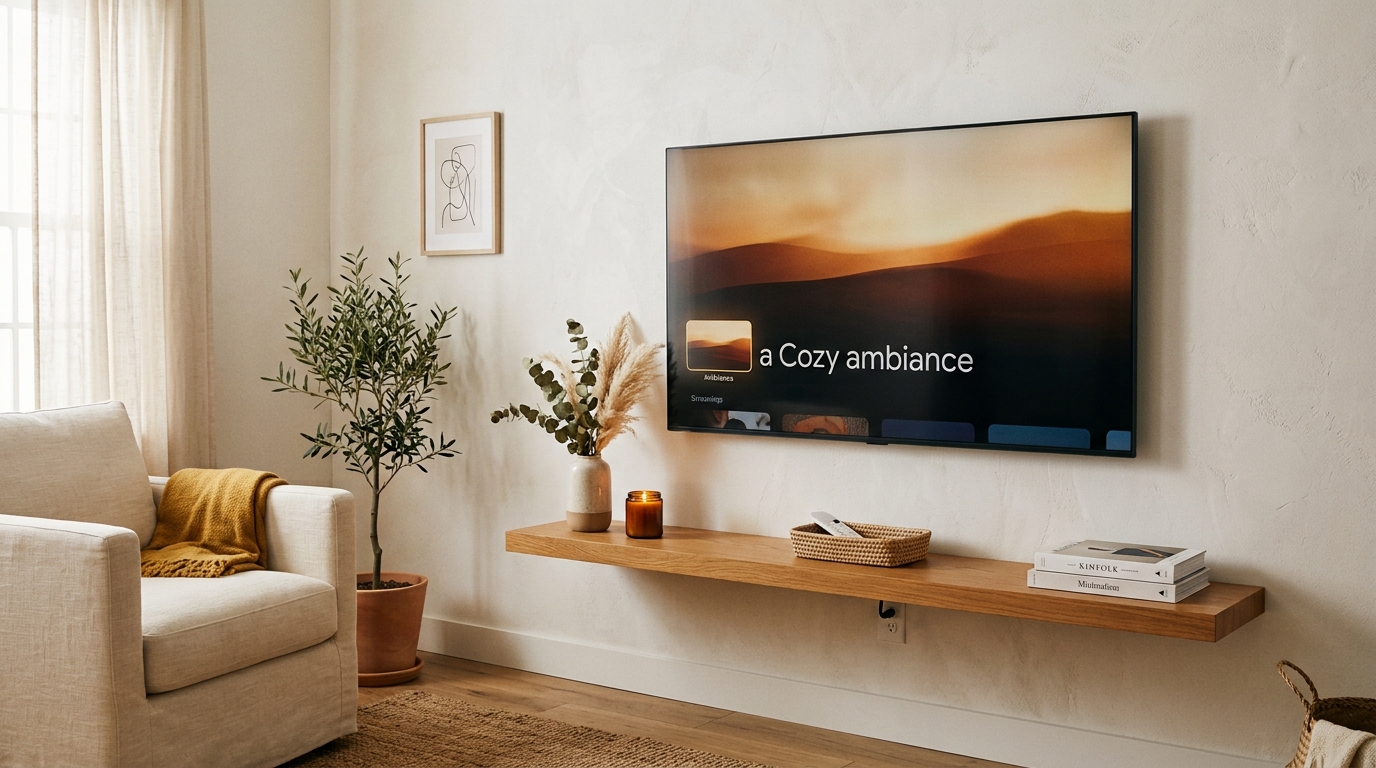
What about older televisions with no apps at all?
Any television with an HDMI port becomes usable with a stick. The picture quality depends on the panel, not on how the signal arrives, so a good older television plus a cheap stick often beats a mediocre new smart set.
A note on performance
Both routes deliver the same stream. What differs is how quickly the interface responds and whether the device can decode a high-bitrate feed without straining. If your current setup buffers on one device and not another, that is the hardware telling you something.
Whichever you choose, the account is the same. There is no per-device charge and nothing to transfer — sign in and carry on.