Buffering feels like one problem but it is usually one of four, and they have different fixes. Work through them in this order, or check our installation help center for device-specific solutions.
First, find out where the problem is
Play the same channel on a phone over the same Wi-Fi. If the phone is fine and the television is not, the problem is the television or its connection — not the service, and not your broadband. That single test saves most of the guessing.
Cause one: not enough bandwidth
Run a speed test on the device you are actually watching on, not on a phone standing next to the router. Around 15 Mbps is comfortable for HD; 4K wants 25 Mbps or more with headroom to spare. Test again in the evening, when everyone else in your street is also streaming.
Cause two: the wrong Wi-Fi band
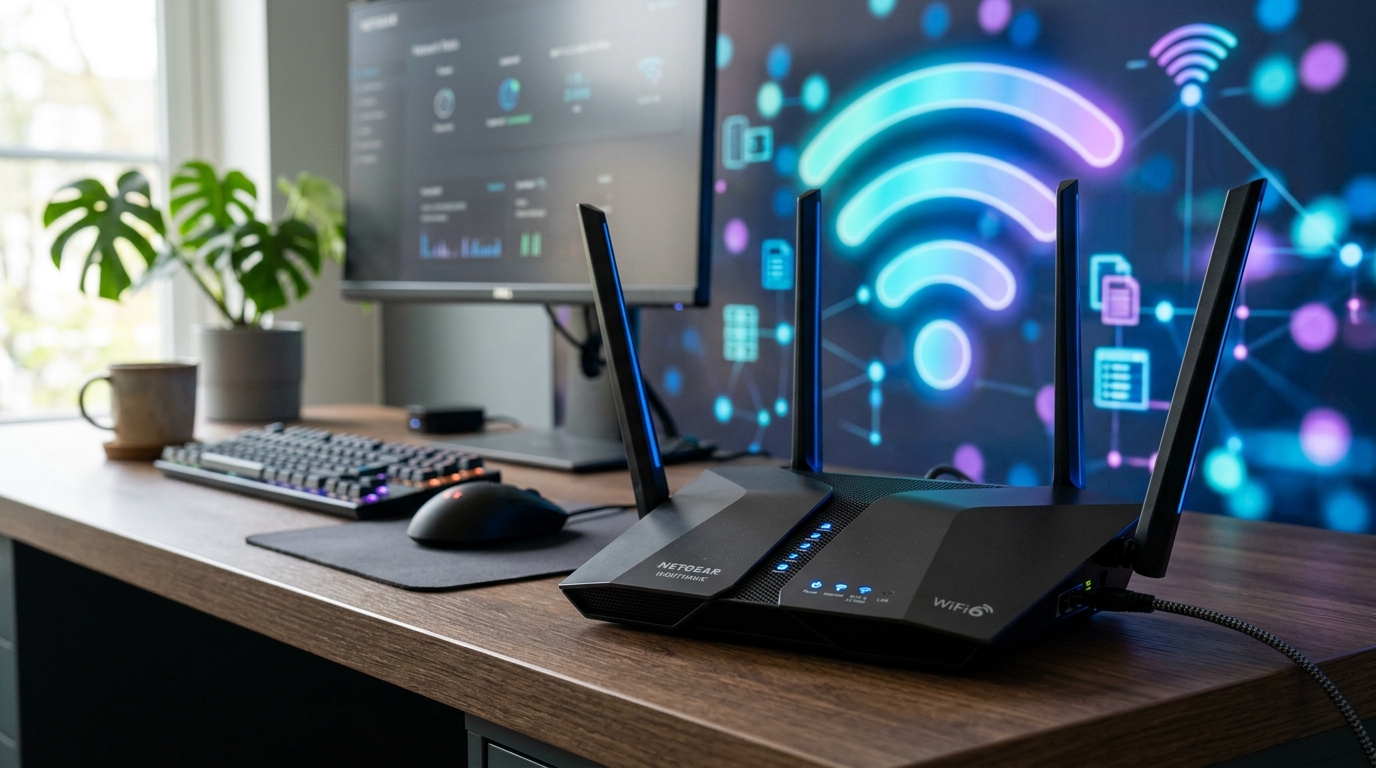
Most routers broadcast two networks. The 2.4GHz one travels further but carries less; the 5GHz one is faster over shorter distances. Streaming devices should be on 5GHz wherever the signal reaches. Look for a network name ending in -5G in your device’s Wi-Fi settings.
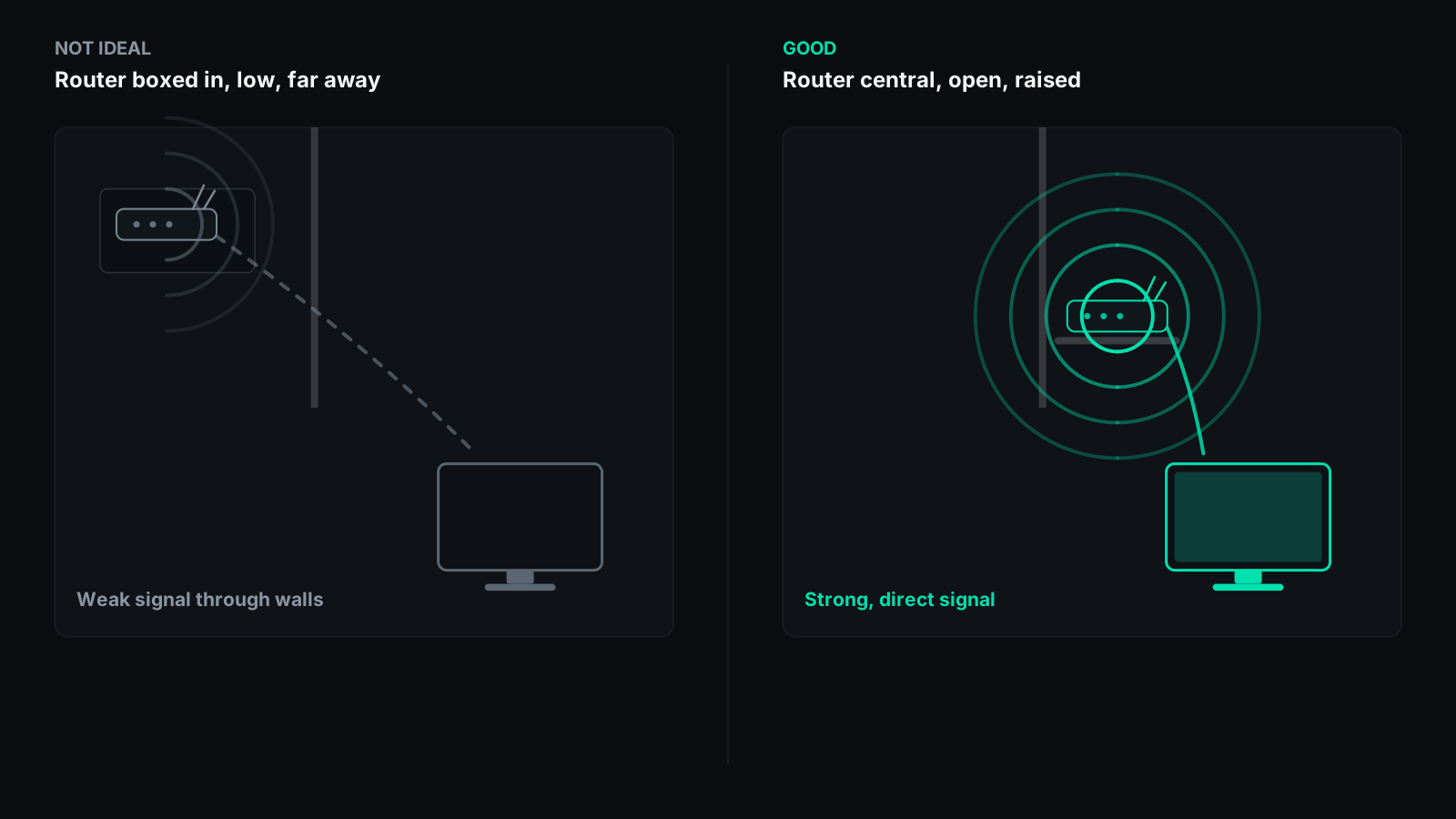
If the device is two rooms and a wall away from the router, no amount of setting-changing will fix it. A mesh point, a powerline adapter or an ethernet cable will.
Cause three: the device is struggling
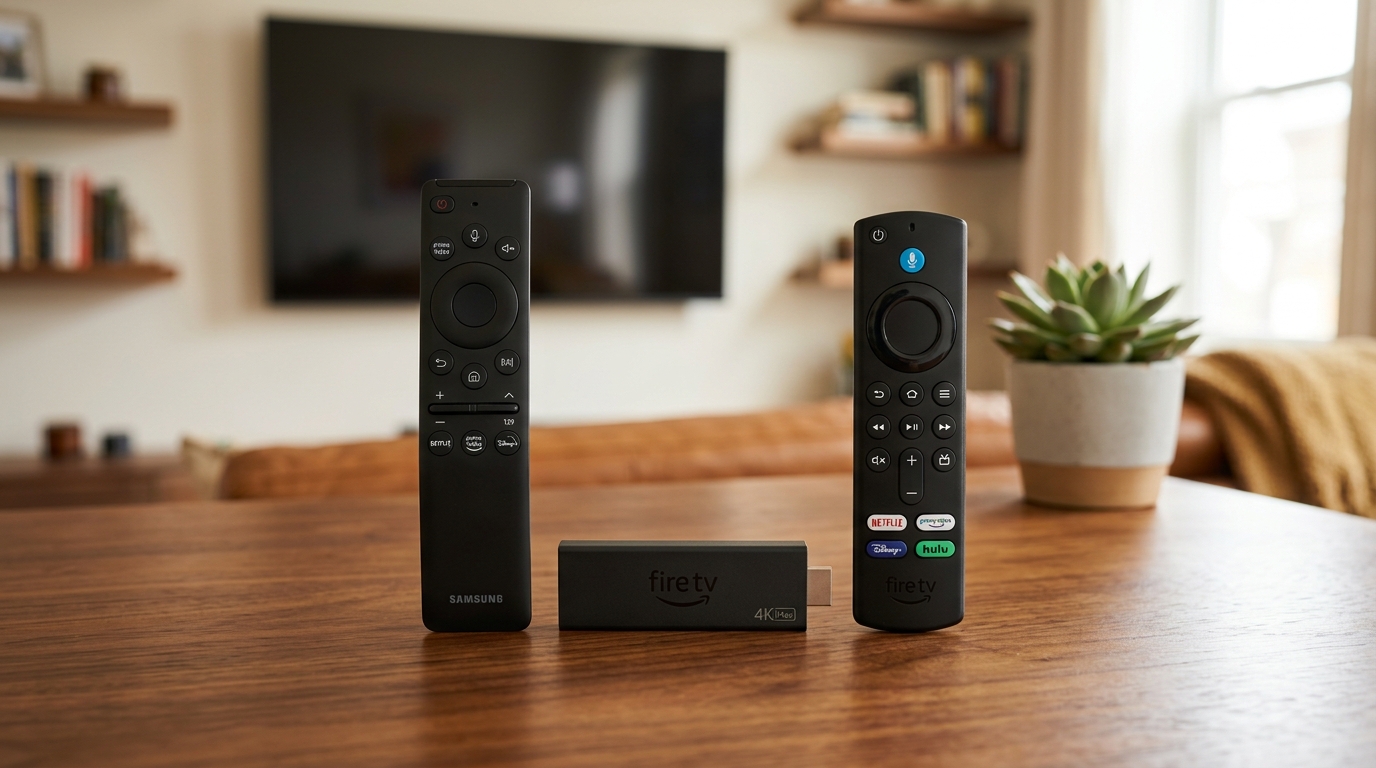
Older sticks and budget boxes can receive a 4K stream perfectly well and still fail to decode it smoothly. Drop the quality setting inside the player to 1080p. A steady HD picture beats a 4K one that stops every thirty seconds.
While you are there, clear the player’s cache and free up storage. Devices low on space behave strangely in ways that look like network problems.
Cause four: the source, at that moment
If everything else in the house streams fine, other channels play cleanly, and only one feed struggles during a big live event, that is load at the source rather than anything at your end.
This is worth reporting. Our anti-freeze server network runs with 99.9% uptime — read more on why YourFlix streaming is built to last. Tell support which channel, what time, and what you were watching on so our engineers can optimize the feed.
The two-minute version
- Restart the device from its power menu, and the router too
- Move to the 5GHz network, or plug in an ethernet cable
- Lower the stream quality in the player
- Test the same channel on a phone to isolate the cause